Themes without application-code replacement
Manage the permanent Audoryx default theme and declarative manifest v3 packages with scoped assets, predictable fallback, and atomic updates.
It cannot be deleted and remains the safe fallback if an installed package is missing, invalid, or incompatible.
Theme administration
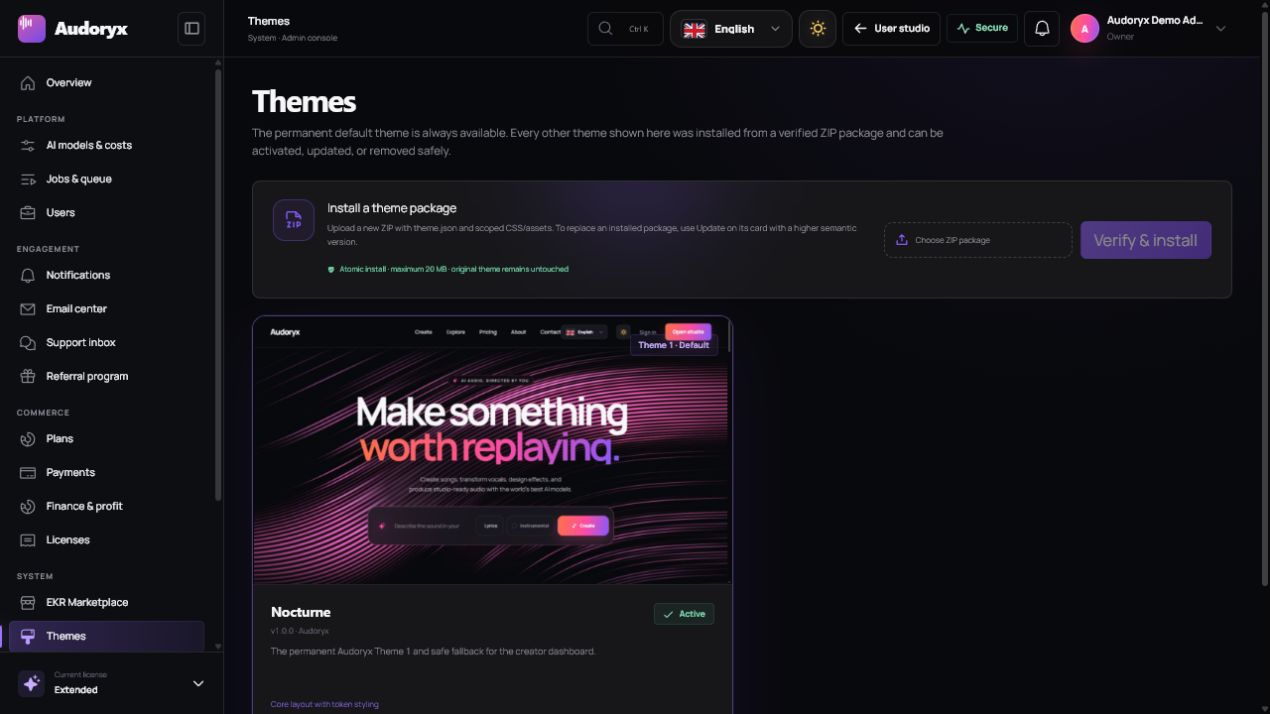
Open Admin → Themes. Each card presents a full-width preview, identity, semantic version, scope, compatibility, palette, and available actions.
| Action | When to use it | Safety behavior |
|---|---|---|
| Apply | Make a validated installed theme active | Switches the active theme record; the default remains available. |
| Update | Install a newer semantic version of the same package | Validates in staging and replaces atomically only after checks pass. |
| Remove | Delete an inactive optional theme | Cannot remove the default or the currently active package. |
| Preview | Inspect the publisher's live demonstration | Opens a configured HTTPS URL in a new tab. |
Install a ZIP package
- Acquire a trusted archive. Use EKR Marketplace or a package from a publisher you have independently verified.
- Select the ZIP. Audoryx enforces the upload size and rejects nested executables or unexpected paths.
- Verify and install. Manifest schema, identifier, version, scope, compatibility, assets, and hashes are checked before extraction.
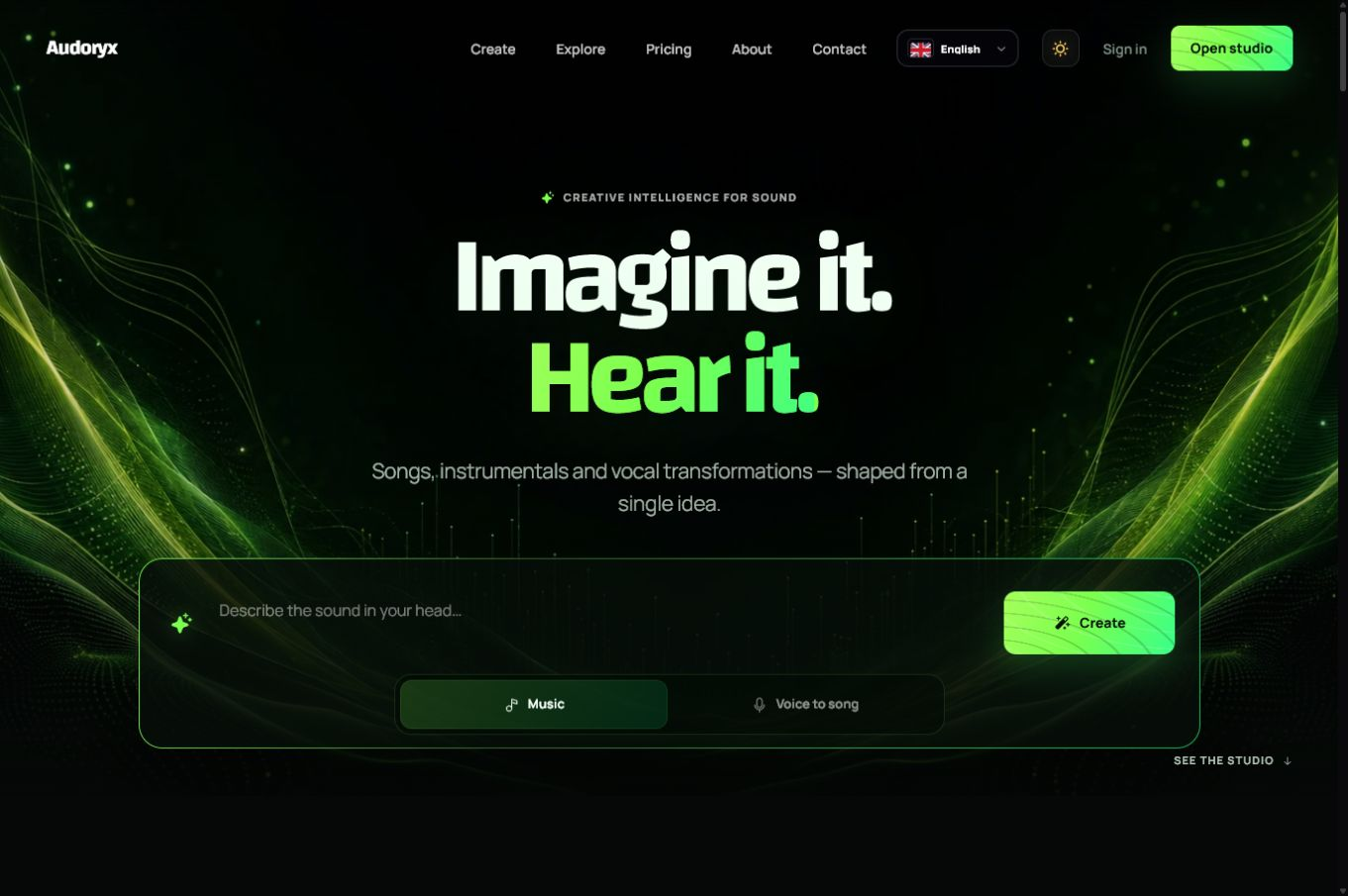
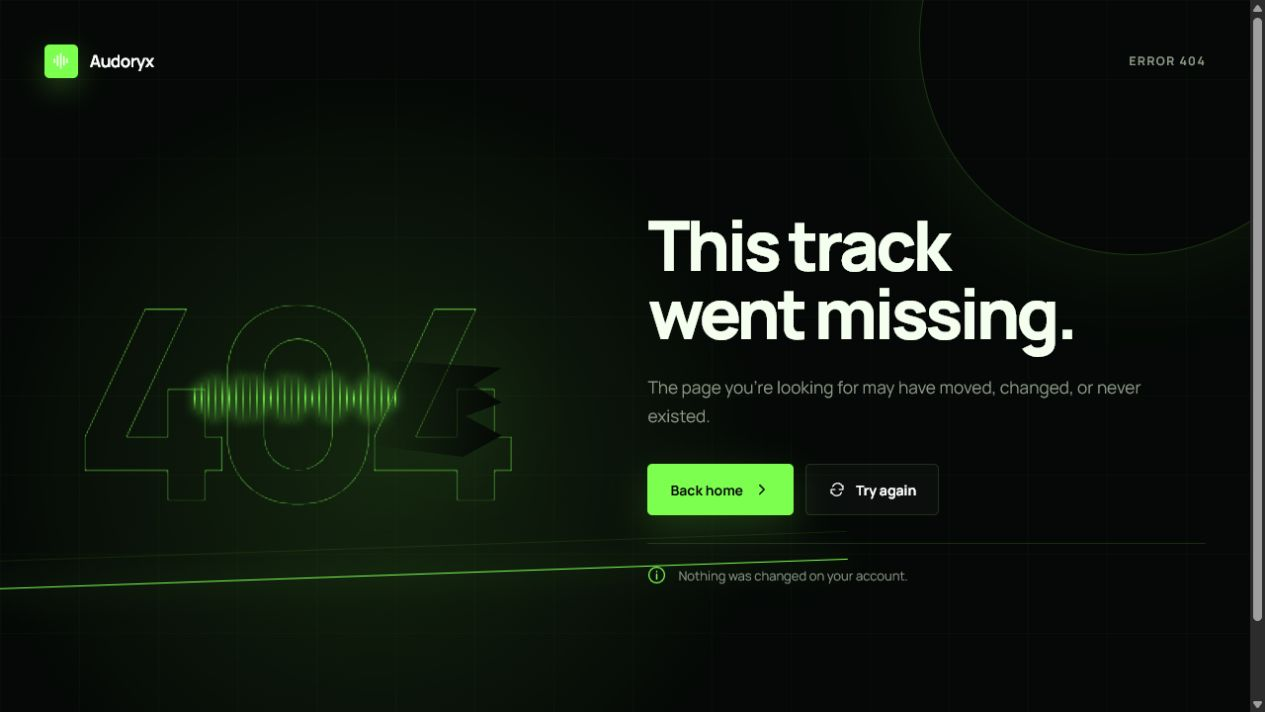
- Review the preview. Confirm landing, login, creator, administrative, responsive, RTL, maintenance, 404, and 500 surfaces as applicable.
- Apply deliberately. Switch only after the validation checklist passes.
Per-theme content
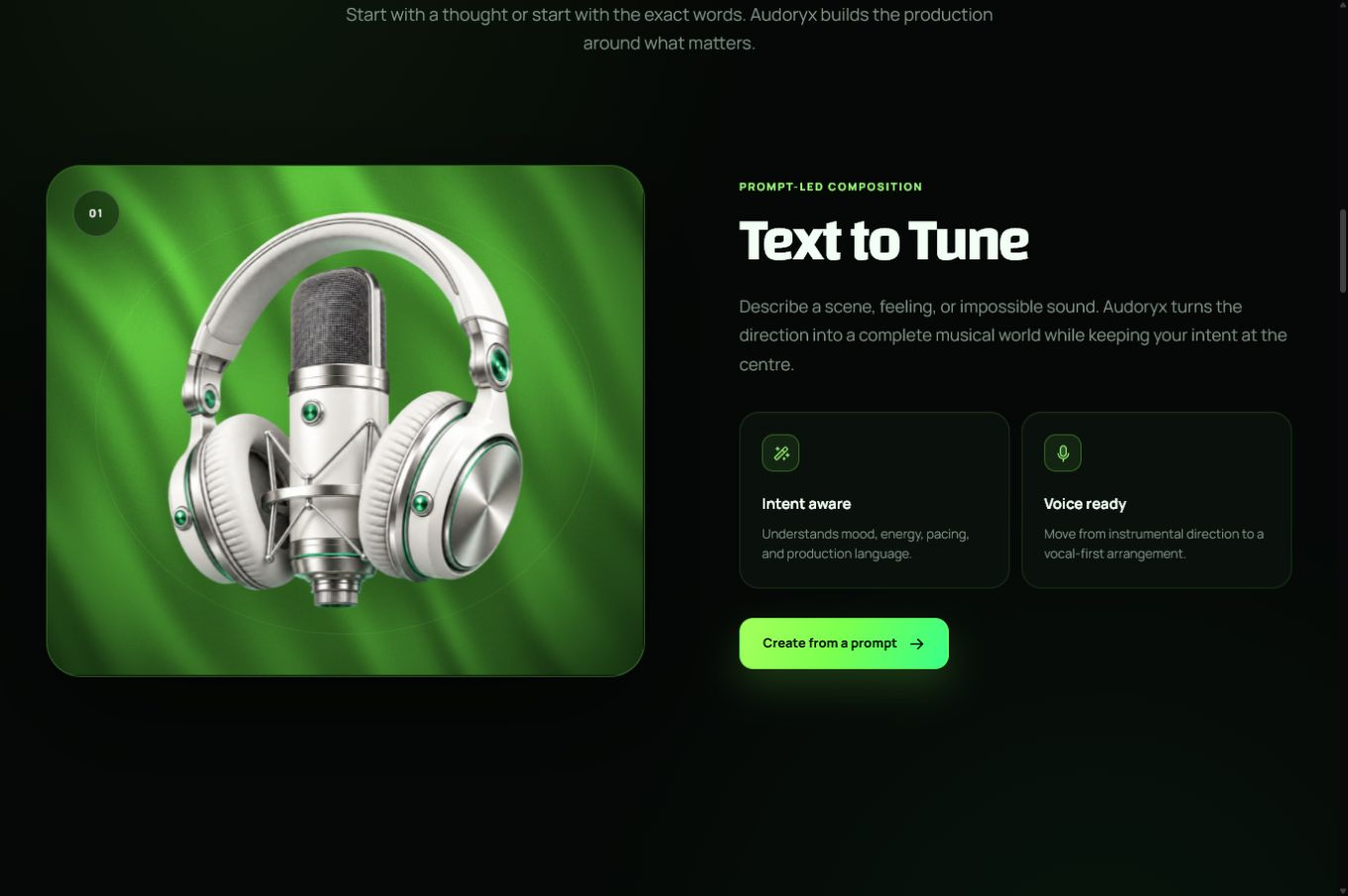
Landing and presentation content is theme-scoped. In Admin → Brand & content, select the theme before editing its hero, sections, authentication copy, cards, media, maintenance page, or error-page content. Switching themes does not overwrite another theme's content.
- Use a separate landing screenshot and preview metadata for each theme.
- Use an actual image or video only after upload succeeds and the license inventory is complete.
- Keep essential meaning in text, not only in decorative imagery.
- Verify English and an RTL language at desktop and narrow viewport sizes.
Theme-aware fallback covers
ElevenLabs Music and Google Lyria creations that have no generated artwork use the active theme's default music cover: a theme-consistent gradient and music-note mark. Suno-compatible results retain provider-generated artwork when present. The fallback can appear as soon as the audio becomes safely streamable and preserves the image blur transition.
Theme manifest v3
A package is declarative. It may provide scoped CSS, referenced assets, design tokens, page-level style overrides, and approved component-style overrides. It must not replace Laravel, React, route, controller, migration, executable JavaScript, or vendor files.
{
  "schema_version": 3,
  "id": "publisher-theme",
  "name": "Publisher Theme",
  "version": "1.0.0",
  "author": "Publisher",
  "scope": "dashboard_and_frontend",
  "compatibility": {
    "audoryx": ">=2.0.0 <3.0.0"
  },
  "styles": ["assets/theme.css"],
  "assets": {
    "preview": "assets/preview.webp"
  },
  "tokens": {}
}
Use the authoritative JSON Schema and the included package example. The engineering rules and token inventory are preserved in the theme technical guide.
Package rules
- The identifier is stable, lowercase, namespaced where appropriate, and matches updates.
- The version uses semantic versioning and increases for every released archive.
- Every path is relative, normalized, within the package, and explicitly declared.
- CSS selectors remain under the Audoryx theme root and do not leak into admin or third-party surfaces unintentionally.
- Preview, fonts, icons, photos, and videos are recorded in the asset-license inventory.
- The package contains no credentials, generated caches, source maps with private paths, or executable backend code.
Emberveil 1.3.1
Emberveil 1.3.1 adds a continuously moving creative-network showcase with eight locally packaged Logoipsum placeholder marks. The marks are identified as fictional showcase identities rather than customer endorsements, pause on hover, and become static when a visitor requests reduced motion.
Audoryx 2.0.0 supplies the companion landing component and completes Emberveil RTL behavior across the hero, creation rail, showcase, alternating stories, audience, tools, workflow, pricing, FAQ, final CTA, authentication visuals, and dashboard navigation. Keep Audoryx at 2.0.0 or newer before installing this theme release.
Theme QA matrix
| Surface | Minimum checks |
|---|---|
| Public | Landing, explore, public track, login, register, legal, 404, 500, maintenance |
| Creator | Create, streaming row, library, workspace, track details, comments, billing, support |
| Admin | Navigation, dense tables, dialogs, forms, charts, themes, updates, licenses |
| Access | Keyboard, focus, contrast, reduced motion, zoom, labels, error messages |
| Viewport | Wide desktop, laptop, tablet, narrow mobile, landscape mobile |
| Locale | English plus one long-string locale and one RTL locale |