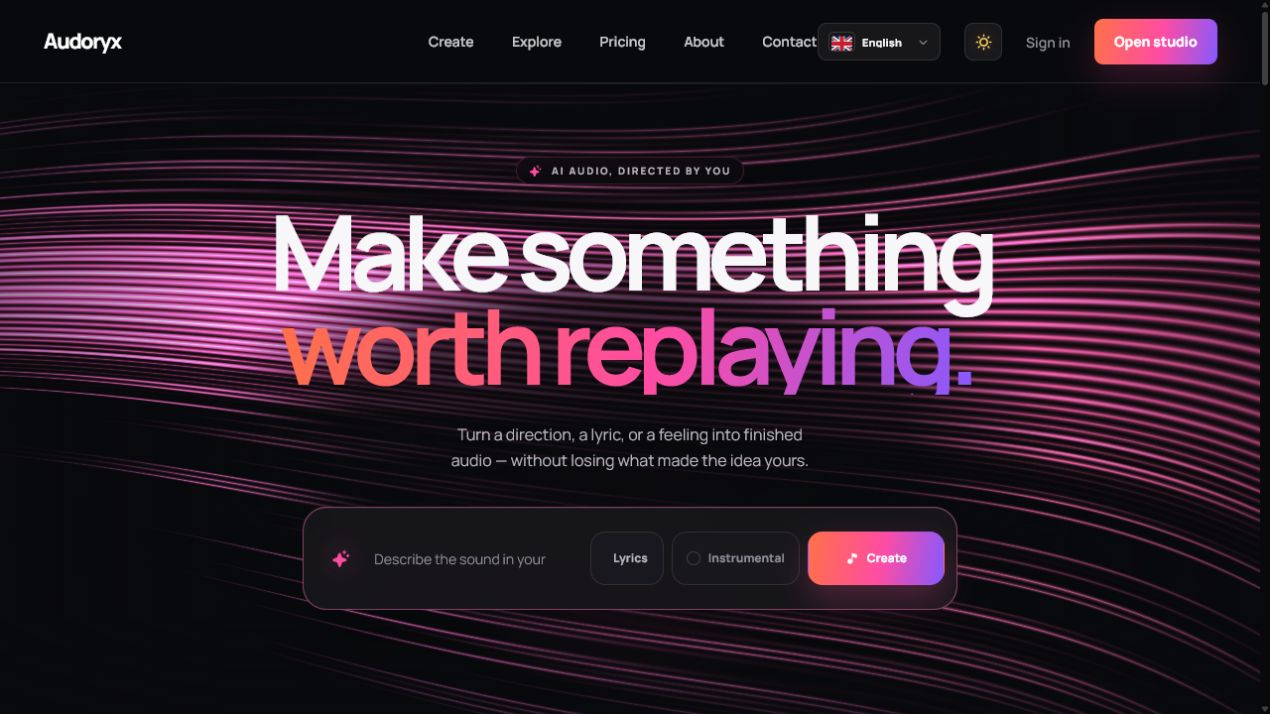
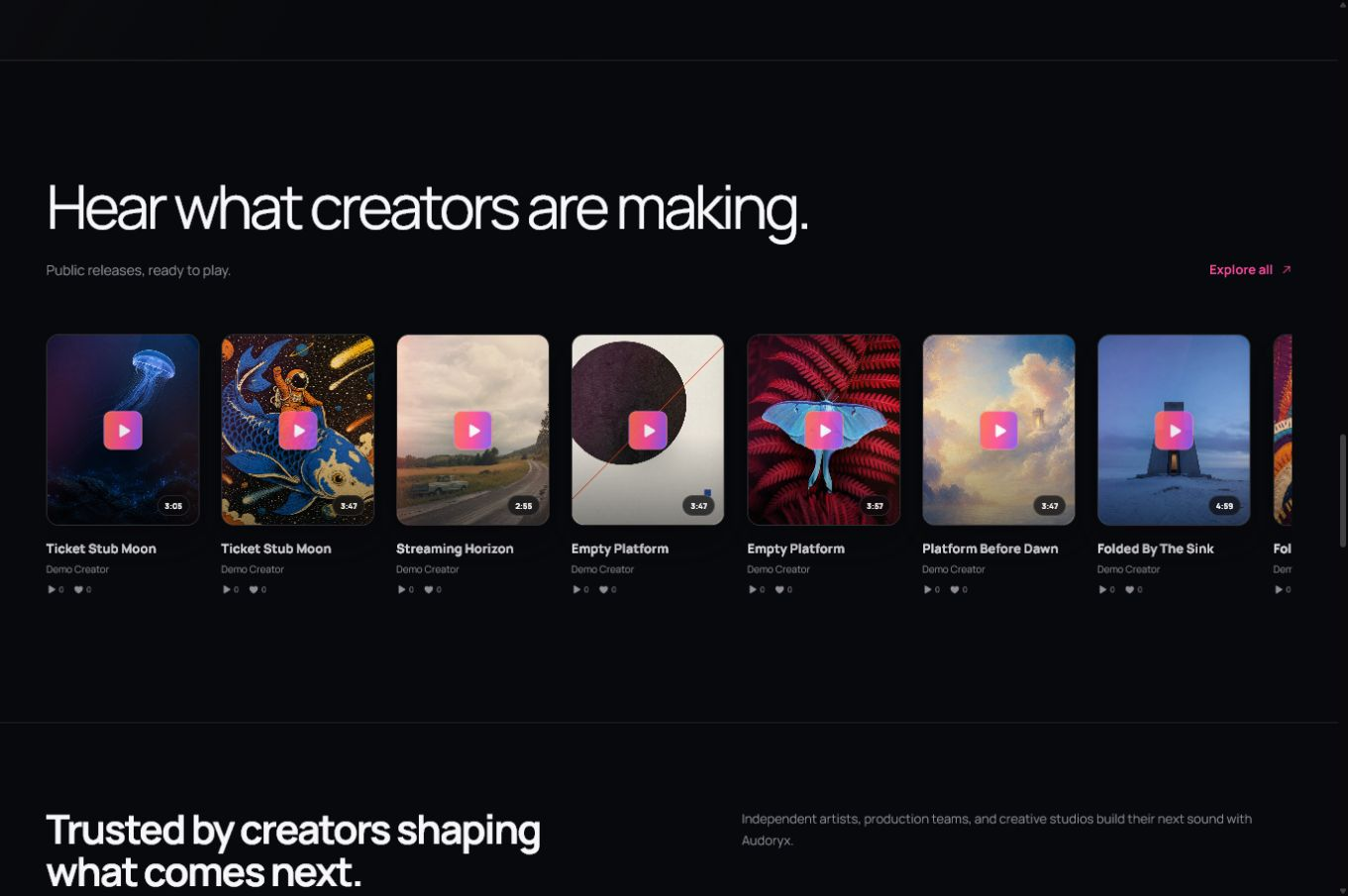
Everything you need to run Audoryx.
A complete, offline guide for buyers, administrators, creators, and theme developers—from the first upload to daily operations, billing, updates, and recovery.
The Codester package is self-contained: normal buyers do not run Composer or Node.js. Upload the packaged files, expose only the public web root, then use the secure browser installer.
Choose your path
Each path is written around a real goal. Follow one from start to finish, or press Ctrl K anywhere to search every guide.
Buyer or server operator
Validate hosting, upload the package, complete the installer, and configure production services safely.
Administrator
Connect providers, manage users, customize content, operate queues, and monitor the platform.
Creator
Generate songs, listen during supported streaming, organize workspaces, publish, remix, and collaborate.
Theme developer
Build a declarative manifest v3 theme, validate its assets, and test safe fallback behavior.
What Audoryx includes
Launch checklist
-
Confirm PHP, database, extensions, HTTPS,
and writable paths. Prefer pointing the
domain's document root to
the application's
public/directory. If shared hosting fixes the web root topublic_htmlor a domain-named folder, use the documented split layout and configure the private sibling folder in the packagedindex.php. Never expose the project root. - Complete the installer and bind the final origin to a valid EKR license.
- Configure the scheduler and every required queue worker.
- Save SMTP settings and deliver a real test message.
- Connect only the AI providers you are contractually permitted to offer.
- Review model availability, provider costs, user credit multipliers, and plan access.
- Configure payment gateways in sandbox before using live credentials.
- Customize identity, authentication, landing, legal, SEO, language, maintenance, and error content.
- Create and download a verified backup, then document off-server retention.
- Test registration, login, generation, streaming, playback, publishing, billing, cancellation, email, and support end to end.
End-to-end buyer journey
Follow this sequence on a clean staging hostname before opening registration. Each stage links to the detailed guide and ends with evidence you can keep in the launch record.
- Upload and install. Verify the server, expose only
public/, create the empty database, complete the browser installer, and bind the final origin. See Installation. - Make asynchronous work reliable. Run the scheduler every minute, supervise every documented queue, send a real SMTP test, and verify worker restart behavior. See Queue and scheduler and Queue monitoring.
- Connect creation safely. Add only required provider credentials, test each enabled model, review credit cost, and complete queued → streaming → terminal-state checks. See AI providers.
- Configure the business lifecycle. Create plans, map sandbox catalog identifiers, and test checkout, signed webhooks, renewal, cancellation, refund, credits, and reconciliation before using live keys. See Plans and payments.
- Brand and protect the product. Configure content, languages, private storage, themes, marketplace, licensing, updates, maintenance, error pages, backups, monitoring, and administrator recovery. See Core configuration, Themes, Licensing, and Operations.
- Prove the public journeys. Test desktop/mobile/RTL creator flows, guest Explore and published tracks, support, and—only on isolated preview hosts—the read-only demo contract. Finish with failure drills and a restored off-server backup.
Package boundaries
Included
- Production Composer dependencies
- Compiled frontend assets
- Secure installer
- Offline documentation
- Third-party license inventories
Not included
- AI provider credentials or fees
- Payment processor accounts
- Provider OEM or resale rights
- Hosting administration services
- Customer media or demo secrets
BYOK means the operator supplies and pays for its own accounts. It does not grant API resale, voice, output, OEM, retention, or end-user rights.